Post Bible
Camera specs, audio path, folder structure, delivery standards, and archive rules in one living source.
From footage to final delivery, every cut in sync.
Post-production software that gives every company a repeatable operating system for project setup, DIT handover, ingest, risks, deliverables, archive, and team control.

Built around the post suite
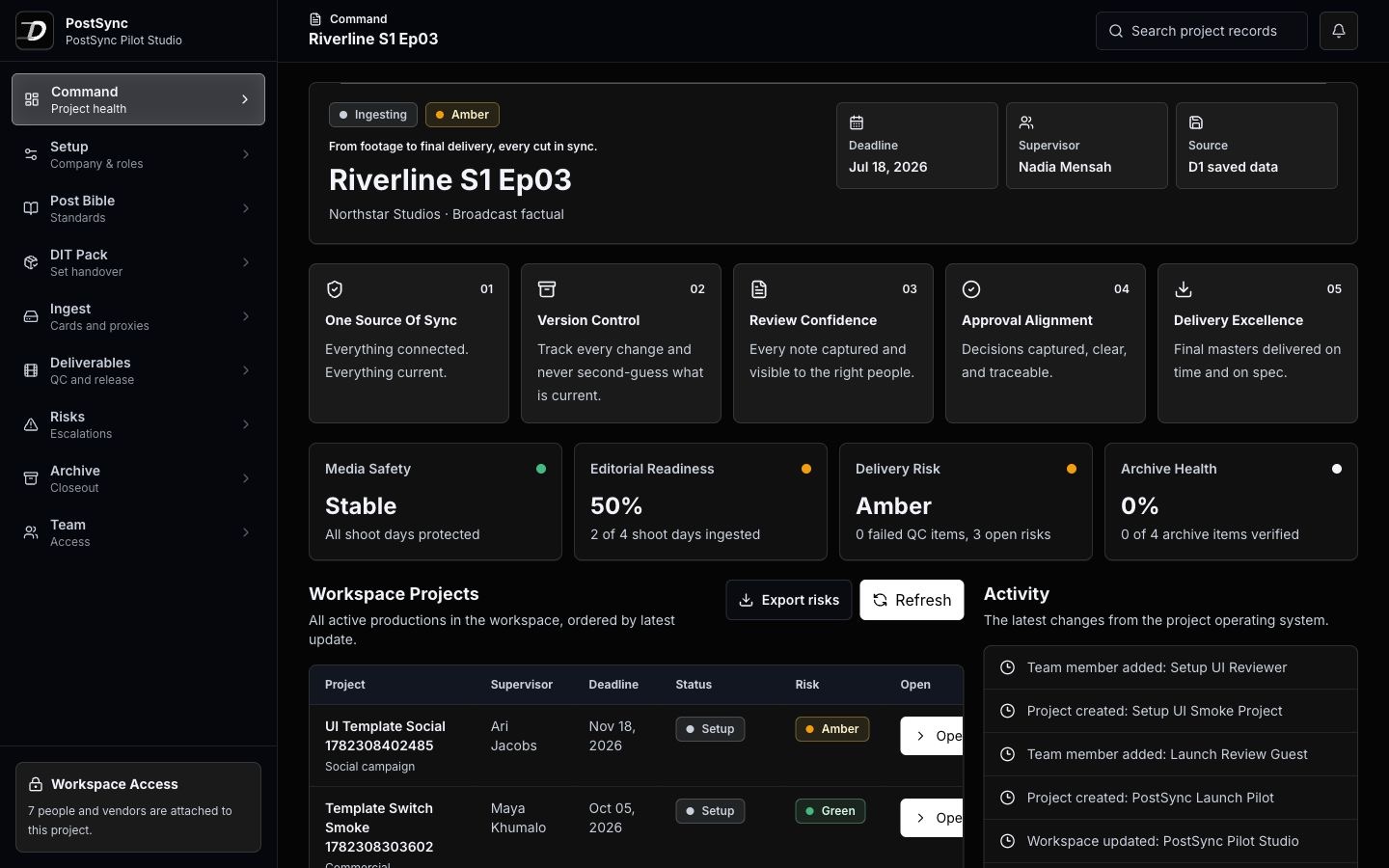
PostSync gives the team one place to see what arrived, what is blocked, what has been approved, what must ship, and what must be archived.
The problem
Status lives in WhatsApp, delivery specs in PDFs, DIT notes in folders, client approvals in email, and archive proof in a spreadsheet. PostSync turns that mess into one project operating system.
Camera specs, audio path, folder structure, delivery standards, and archive rules in one living source.
Set-to-post handover rules, checksums, LUTs, camera reports, sound reports, and escalation notes.
Daily media intake, card counts, backup status, proxies, sync, and missing item visibility.
Every master, cutdown, subtitle, compliance file, platform version, QC gate, and approval owner.
Operational blockers captured early before they disappear inside calls, chats, and scattered sheets.
Final masters, source media, project files, reports, manifests, storage, and verification records.
Product proof
The secured workspace opens with project switching, templates, Post Bible records, DIT handover, ingest, risk, delivery, archive, and team modules.
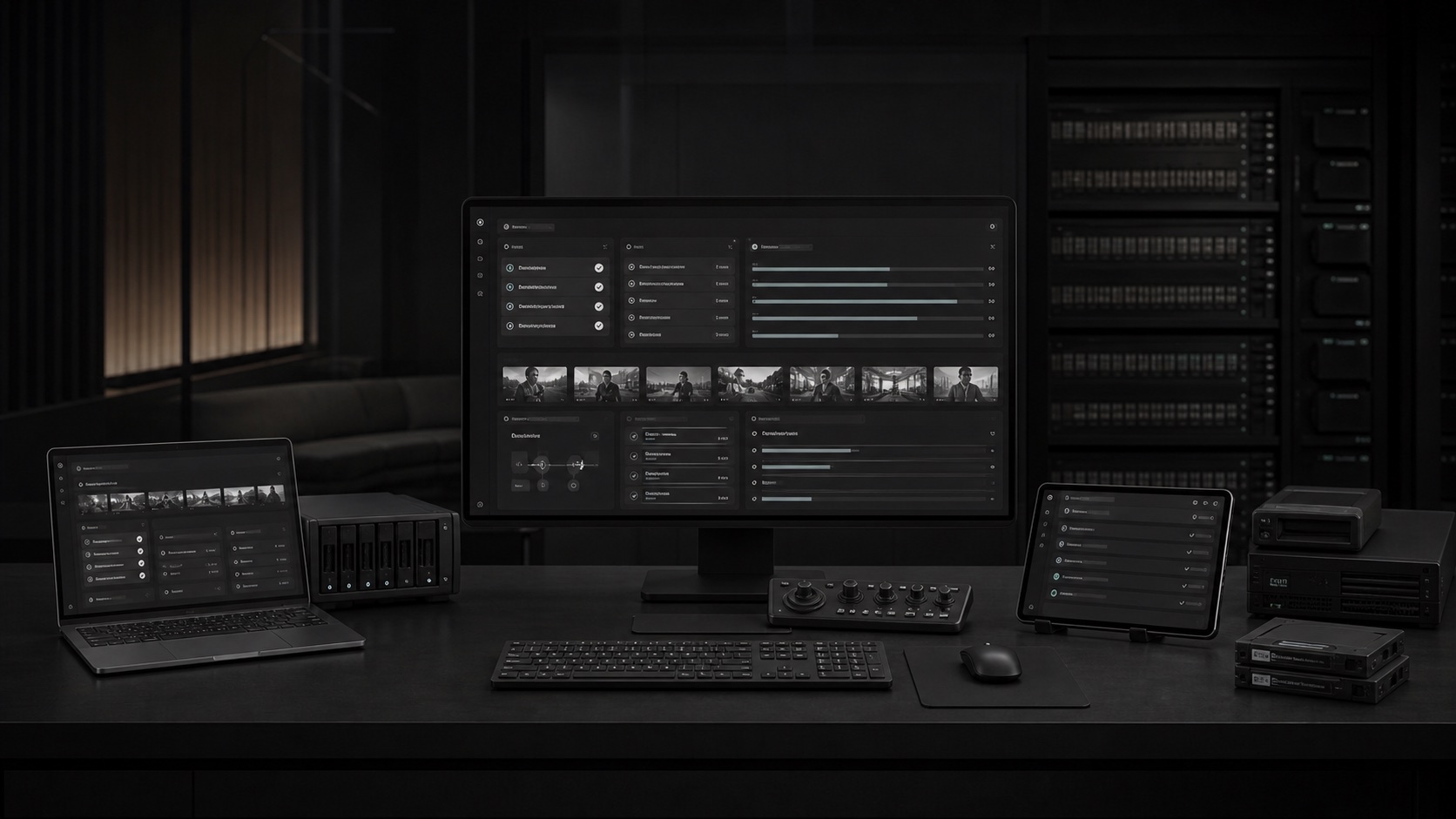
PostSync workflow
Each project opens from a template, then grows into a full operational record that supervisors, vendors, clients, and executives can trust.
Start with the project template, Post Bible, DIT Pack, team access, and delivery path.
Track media cards, checksums, backup status, proxies, sound sync, issues, and handover proof.
Keep approvals, notes, risk owners, QC status, and delivery responsibilities visible.
Hand over masters, archive manifests, reports, project files, and verified storage records.
Before PostSync
After PostSync

Separate company, internal team, vendor, and client visibility with secure workspace sessions.
Project state updates across ingest, risks, delivery, archive, and team records from one interface.
The product is structured for different post-production companies and their active project portfolios.
Ready for real teams
Use the guided setup route for customer conversations, then open the workspace to show the operating modules with confidence.